Open-source AI interview assistant. Undetectable by design.
Open-source AI interview assistant, undetectable by design. Two modes: conversation and technical interviews. Your providers locally or managed Orvunia Cloud.
Capture protection built in. No meeting bot.
Rebuilt in the open. Read the project story.How do I explain a difficult architecture decision?
Start with the context: what needed to change and what the constraints were. Explain the alternatives, your decision criteria, and the outcome. Finish with what you would do differently today.
Answer
Try both modes. Explore the answers, transcript and notes.
One app. Two modes.
General conversation.
Follow the transcript, ask what to say next and keep useful notes. For meetings, interview practice and conversations where the details matter.
Interactive demo
Technical interview.
Bring captures, code and an approved repository into context. Explore solutions, hints, debugging and architecture, then review the reasoning.
How do I find two numbers that add up to a target?
Use a map to store values you have already visited. For each number, look for its complement. Found it? Return the indices. A single pass solves the problem.
function twoSum(values: number[], target: number) {
  const seen = new Map<number, number>();
  for (const [index, value] of values.entries()) {
    const match = seen.get(target - value);
    if (match !== undefined) return [match, index];
    seen.set(value, index);
  }
  return [];
}Keep the help on your screen.
A discreet overlay with native capture protection on Windows 11. Your screen and a supported shared view can be different. Try the illustration below.

No extra participant.
Capture the audio you authorize, without adding a bot to the meeting.
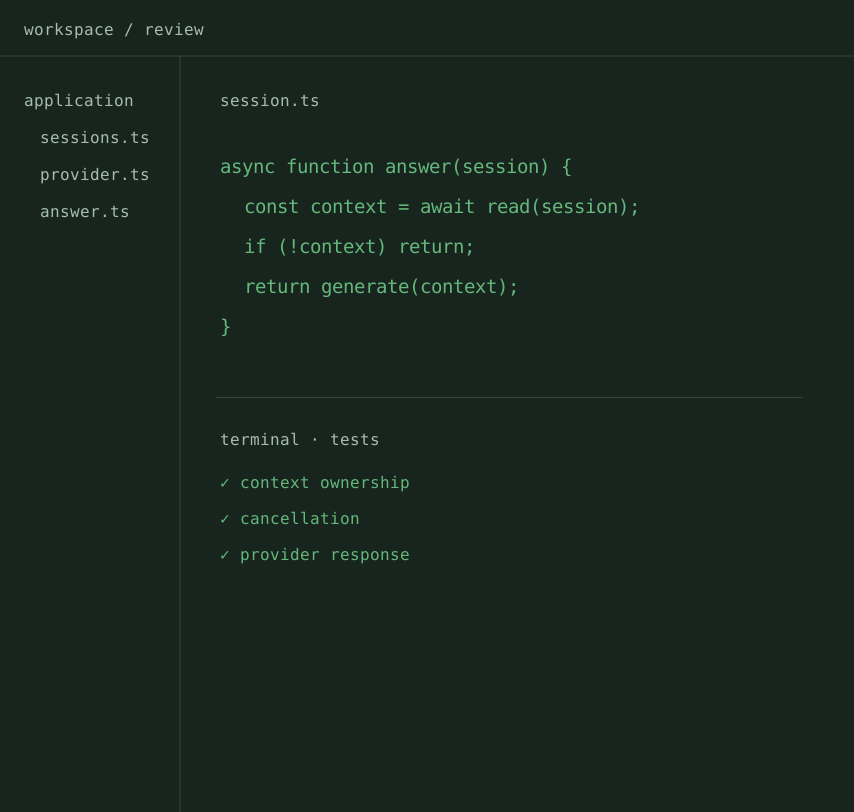 Shared viewIllustration · actual protection varies by environment
Desktop capture protection.
The desktop app requests native window exclusion from supported captures.
Right where you need it.
Move or hide the overlay with shortcuts and adjust its opacity. Optional gaze following requires camera access and calibration.
Context comes from your computer. No meeting bot to install.
 Slack
Slack WebexMicrosoft Teams
 Google Meet
Your meeting notes.
Notes, transcripts, and decisions. All in one place.
Meeting notes · Orvunia
Architecture conversation
Summary
- A straightforward local installation, with data under your control.
- Optional cloud deployment for shared infrastructure.
Decisions
- Separate responsibilities without multiplying services.
- Choose response and transcription models independently.
Next steps
- Review the alternatives and document the decision criteria.
Real-time transcription
Context that keeps up
Transcription during the session, using the audio sources available in your environment.
Models and providers
Configure transcription and answers separately. Latency and language support depend on your provider.
The right kind of help
Conversation with context and notes. Technical interviews with captures, code, and explanations.


Architecture conversation: Conversation & Technical interview
What was the main criterion behind this decision?
We wanted to reduce operational complexity while leaving room to evolve.
And how did you validate the outcome?
We tested the migration on isolated data and compared the results with the existing application.
What did you decide to keep for the first release?
A modular backend, independent AI providers, and a simple installation. We can add infrastructure as the product grows.
Interactive demo
Frequently asked questions
Be more present in the conversation.
Orvunia keeps the context. The next step is yours.
Download for free